 FloServer
Remove FloServer
From Settings → General → Remove FloServer…, or from Windows Settings → Apps.
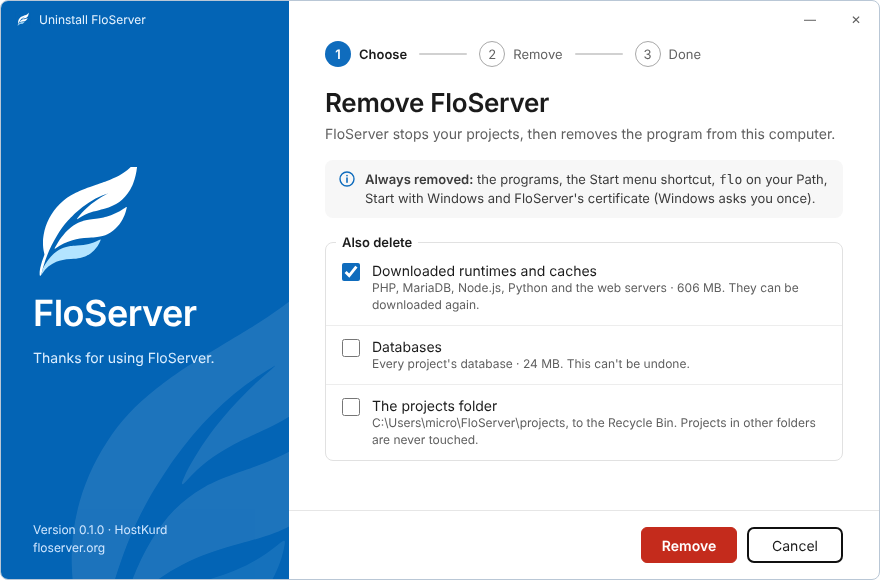
Always removed
The programs, the Start menu shortcut, flo on your Path, Start with Windows, and FloServer’s certificate (Windows asks you once).
You choose
- Downloaded runtimes and caches (ticked): PHP, MariaDB, Node.js, Python and the web servers. They can be downloaded again.
- Databases (not ticked): every project’s database. This can’t be undone.
- The projects folder (not ticked): moved to the Recycle Bin. Projects you added from other folders are never touched.
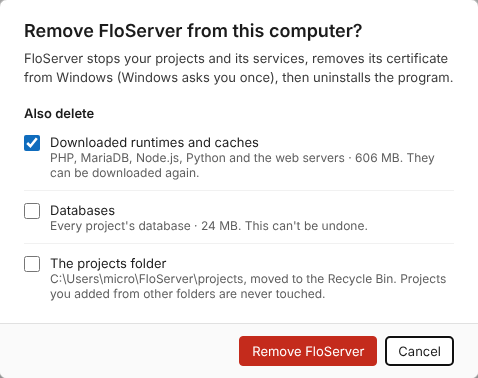
From Windows Settings
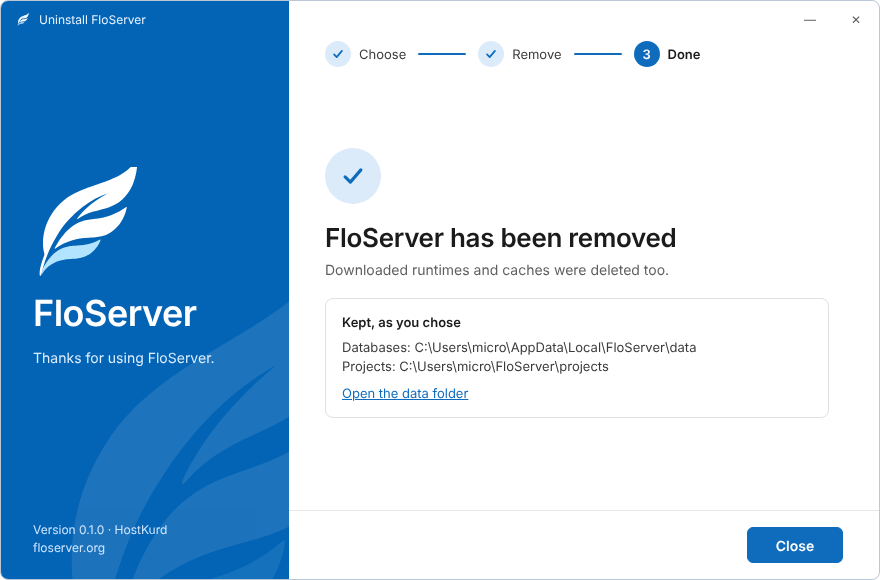
Windows Settings → Apps → FloServer → Uninstall opens FloServer’s own uninstaller with the same choices, then shows what was kept.
Docs for FloServer 0.1.0Something wrong on this page? Email us